
Debug Less, Build More: How Cursor’s Bugbot Makes AI-Coding Safer & Smarter

🛠️ TOOL TUESDAY : AI Tools That Make You Irreplaceable
👋 Good morning, AI Partner!
Today’s spotlight: Cursor Bugbot
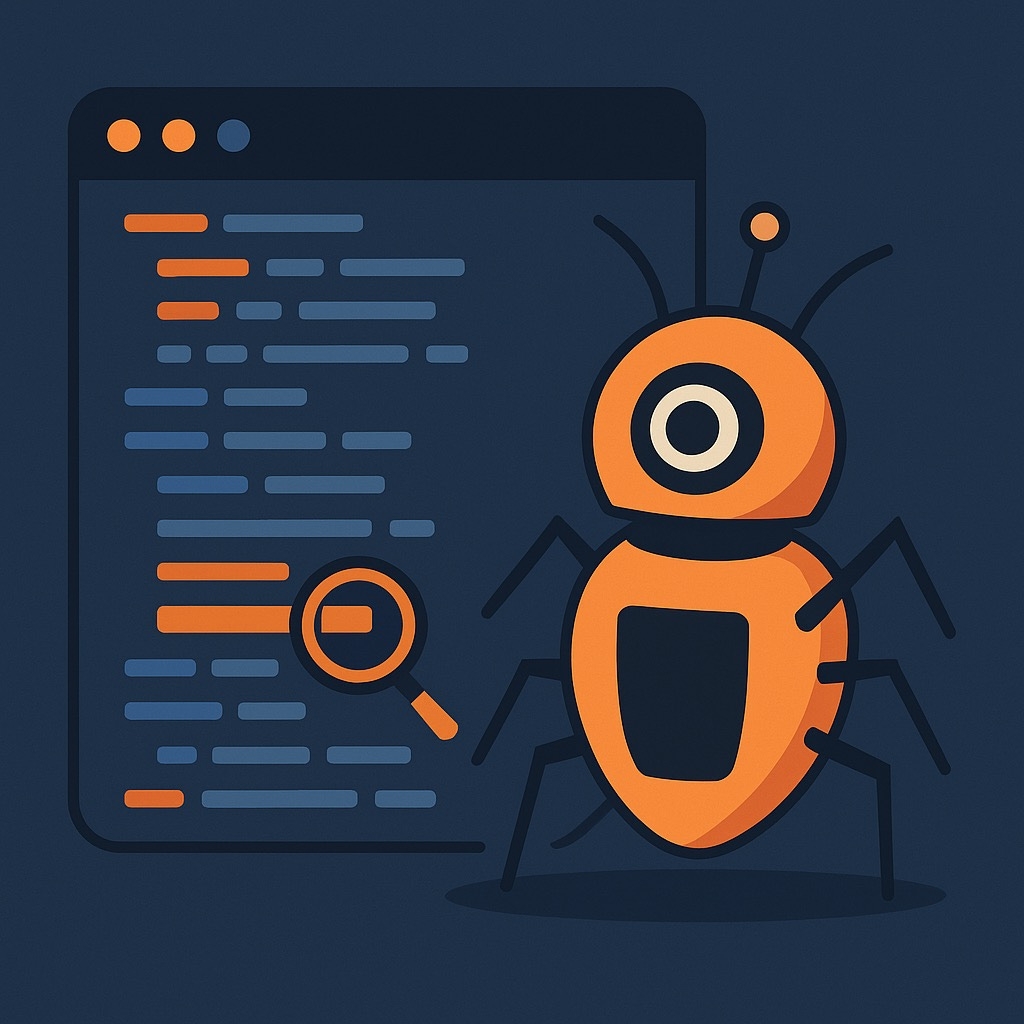
Used by: Software engineers and developers
Superpower: Detects bugs introduced by AI-assisted code generation before they reach production
Real Example:
An engineering team was spending hours manually reviewing code generated by AI assistants like Copilot or Gemini.
After integrating Bugbot, they cut debugging time by over 50%. Now potential issues are flagged immediately—freeing up over an hour per developer each day for deeper design reviews and strategic work.
The Partnership Play:
AI handles: Automated bug detection in AI-generated code
You handle: High-level architecture, creative problem‑solving, code logic and design
Together: Higher code quality and faster development cycles without sacrificing reliability
Why This Matters to Developers:
With AI generating up to 30–40% of production code in many teams, tools like Bugbot become mission-critical.
Bugbot prevents logic and security flaws in AI-generated output, ensuring code stays robust while enabling faster iterating cycles.
📚 SIMPLIFIED EXPLANATION:
Think of Bugbot as a high‑speed code reviewer built for AI era development.
Unlike general-purpose code checkers, it’s trained to understand and flag errors from AI suggestions.
When AI-generated code looks correct but is buggy—Bugbot spots it before it hits staging or production.
Beginner vs Advanced Tips:
Beginner: Use Bugbot alongside your existing CI pipeline to catch simple syntax and logic issues.
Advanced: Configure it to flag insecure database operations or risky API calls from agent-generated scripts.
Cost Breakdown:
Cursor access typically ranges from $20 to $200/year.
Bugbot is a $40/month add-on per user, providing enterprise-level bug prevention features
🎯 HOW TO GET STARTED:
Sign up for Cursor (if not already).
Enable the Bugbot add‑on in settings.
Run generated AI code through Bugbot during local dev or CI integration.
Review flagged issues before merging or deploying.
📝 YOUR TUESDAY CHALLENGE:
Run Bugbot on one AI-generated pull request today.
Set aside 15 minutes to review its flags.
Spend that recovered hour planning your most strategic task of the week.
💬 YOUR TURN:
What routine coding task or manual review takes up the most of your week—and how could freeing up even an hour change your focus?
⚡ PRO TIP:
Enable Bugbot’s security-focused ruleset to catch common AI slip-ups—like unescaped user input handling or unintended file writes.
🔗 LEARN MORE:
🎥 YouTube Video:
“Catch Bugs Faster: Cursor’s BugBot for AI Code Review”
🔗 https://www.youtube.com/watch?v=8USlEyGf37E
📝 Medium Article:
“Bugbot by Cursor: AI Code Reviews That Actually Catch Real Bugs”
📘 Official Guide:
“Bugbot – Cursor Docs & Setup Guide”
🔗 https://docs.cursor.so/bugbot
My take:
I’ve seen teams race ahead in speed only to roll back deployments due to AI-induced bugs.
This closes that gap—letting developers lean into creativity and planning instead of firefighting.
🔎 Want me to spotlight another type of tool next week? Perhaps tools for content creators, educators, or marketers? Let me know!